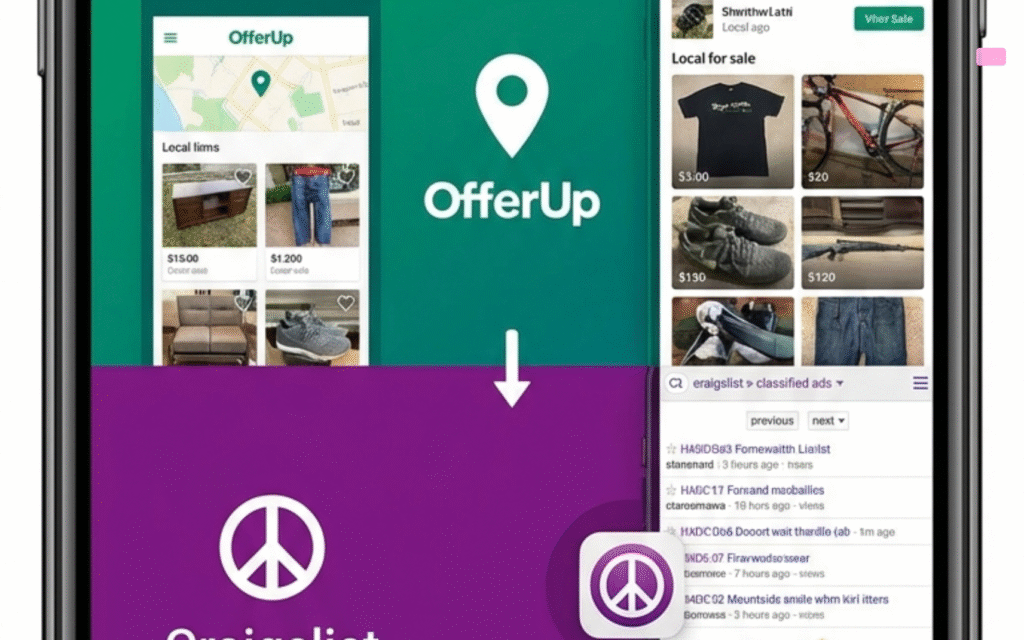
When using Facebook Marketplace to buy or sell items, safety should always be your top priority. Following effective Facebook Marketplace safety tips for meeting in person can help protect you and ensure a smooth transaction. Recent incidents, such as an armed robbery following an online meetup in Port St. Lucie park, highlight the importance of these precautions.
Facebook Marketplace Safety Tips for Meeting in Person
Facebook Marketplace safety tips for meeting in person begin with careful planning and clear communication. Always use the platform’s messaging system to interact and avoid sharing personal contact information until you feel confident in the transaction.
Share Your Plans with Trusted Contacts
Before meeting a buyer or seller, inform a trusted friend or family member about your plans. Messenger offers a feature to send your meeting plan, including the location, time, and date, to someone in your friends list. This step ensures someone knows where you will be and when.
- Use Messenger’s “Send plan” feature for added security.
- Plans are automatically removed from the chat after the scheduled meeting time.
Keep Your Home Address Private
Never share your home address with buyers or sellers. Arrange to meet in a neutral, public location to protect your privacy and safety. According to Facebook’s guidelines, changing the meetup location after it has been agreed upon can be a red flag for suspicious activity.
Choosing a Safe Meeting Location
Always select a public, well-lit area for your transaction. Many local law enforcement agencies offer designated safe exchange zones specifically for online marketplace meetups. In some unfortunate cases, such as a marketplace meetup in Fort Pierce that ended in a mass shooting, the importance of choosing a secure location is underscored. You can locate these agencies using the USACOPS directory for the United States.
- Meet during daylight hours when possible.
- Consider police stations, retail parking lots, or other busy places.
- Do not invite strangers to your home.
Bring a Fully Charged Mobile Phone
Carry your mobile phone, fully charged, to stay connected and call for help if needed. Save the local authorities’ phone number in your speed dial for quick access in case of emergencies.
Use Live Location Sharing
Use a live location sharing app or your mobile phone’s built-in function to share your real-time location with a trusted contact during the meetup. This provides an extra layer of security and lets someone know your whereabouts at all times.
Financial Safety During Transactions
When exchanging money, carry only the amount of cash needed for the transaction. This minimizes risk if you encounter a problem. If possible, use secure payment methods such as Meta Pay or PayPal, which offer purchase protection and transaction records.
- Avoid using gift cards or wire transfers, which are harder to trace and offer less protection.
- Inspect the item in person before handing over any money.
Notify If Delayed
If you are running late or need to change your plans, notify the other party through Messenger. Keeping communication open helps prevent misunderstandings and builds trust.
Recognizing and Responding to Suspicious Activity
If you notice any signs of suspicious behavior, such as last-minute changes to the meeting location or requests for unusual payment methods, cancel the transaction immediately. Report the listing or user through Facebook Marketplace’s reporting tools and contact local authorities if you feel threatened. In some instances, individuals have faced risks from those impersonating officials, as seen when Port St. Lucie police arrested Daniel Beyzer for impersonating an officer while intoxicated.
- Do not proceed if the other person pressures you to act quickly or makes you feel uncomfortable.
- Trust your instincts and prioritize your safety above all else.
Consider Delivery Options
Some items on Facebook Marketplace are eligible for shipping, allowing you to buy and sell without meeting in person. For local transactions, you can also use pick-up or drop-off services that suit your needs. Always verify the shipping or delivery method through official Marketplace channels.
Frequently Asked Questions About Facebook Marketplace Safety Tips for Meeting in Person
What are the best Facebook Marketplace safety tips for meeting in person?
The best tips include meeting in public, well-lit areas, sharing your meeting plan with a trusted contact, keeping your home address private, and using secure payment methods. Always trust your instincts and cancel if you feel unsafe.
How can I find a safe place to meet a buyer or seller?
Look for local law enforcement agencies that offer safe exchange zones, or choose busy public locations like retail parking lots. Use the USACOPS directory to find nearby agencies in the United States.
Are there features in Messenger to help with safety during meetups?
Yes, Messenger allows you to send your meeting plan to a friend or family member, and you can share your live location during the meetup. These features help someone track your safety in real time.
Can you cancel a Facebook Marketplace transaction if you feel unsafe?
Absolutely. If you notice suspicious behavior or feel uncomfortable, cancel the transaction right away. Report the person or listing to Facebook and contact local authorities if necessary.
Where are Facebook Marketplace safe exchange zones located?
Many police departments and law enforcement agencies across the United States offer safe exchange zones. Check with your local agency or search online for a location near you.
Port St Lucie Talks